Intersection Observer API
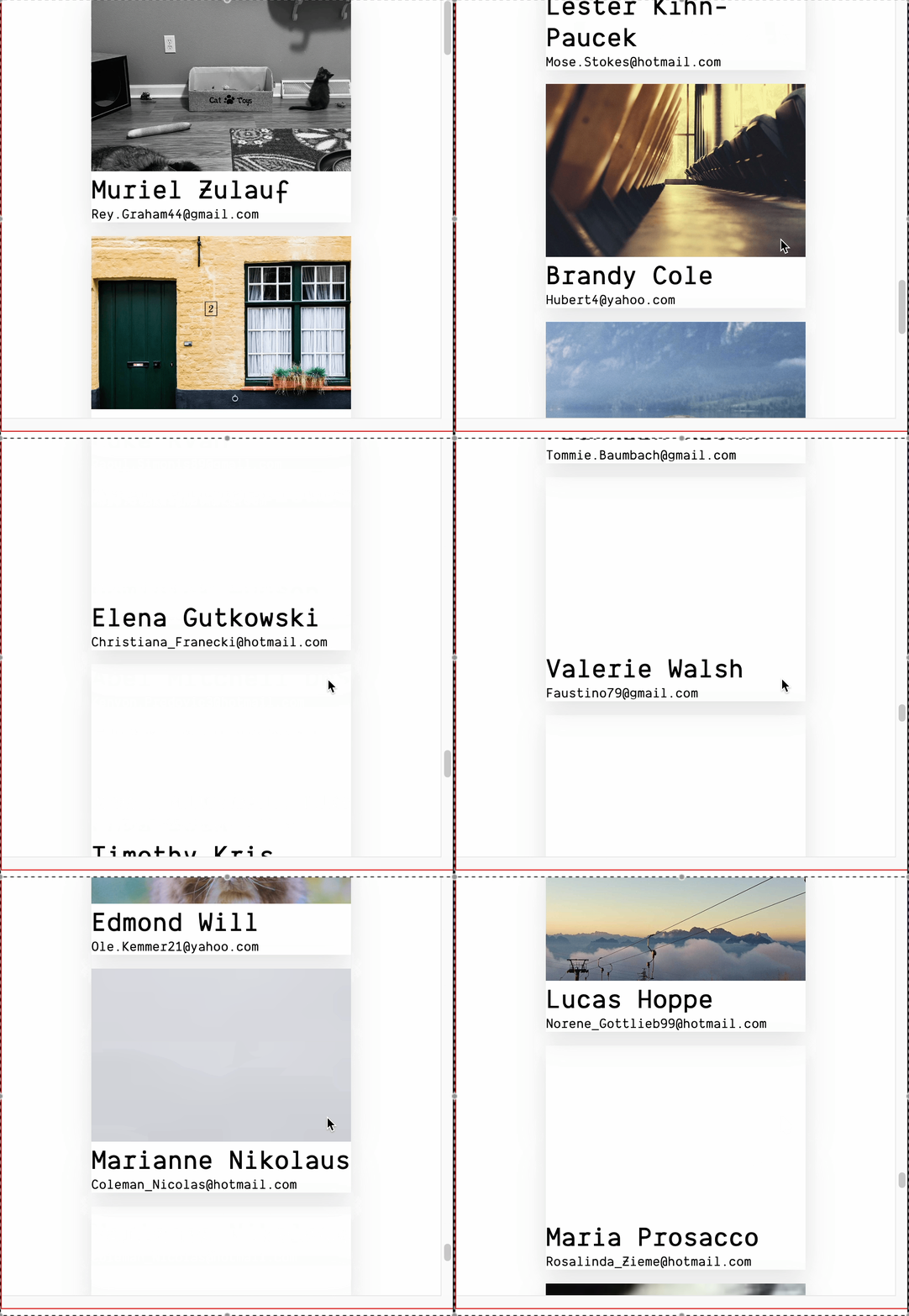
Intersection Observer API는 특정 요소가 상위 요소 또는 최상위 요소와의 교차점의 변화를 비동기적으로 관찰할 수 있는 API이다. 특정 요소의 보여짐을 관찰하여 데이터를 가져오는 방법으로 무한 스크롤을 구현할 수 있다.
Options
const options = {
  root: document.querySelector("#scrollArea"),
  rootMargin: "0px",
  threshold: 1.0,
}

const observer = new IntersectionObserver(callback, options)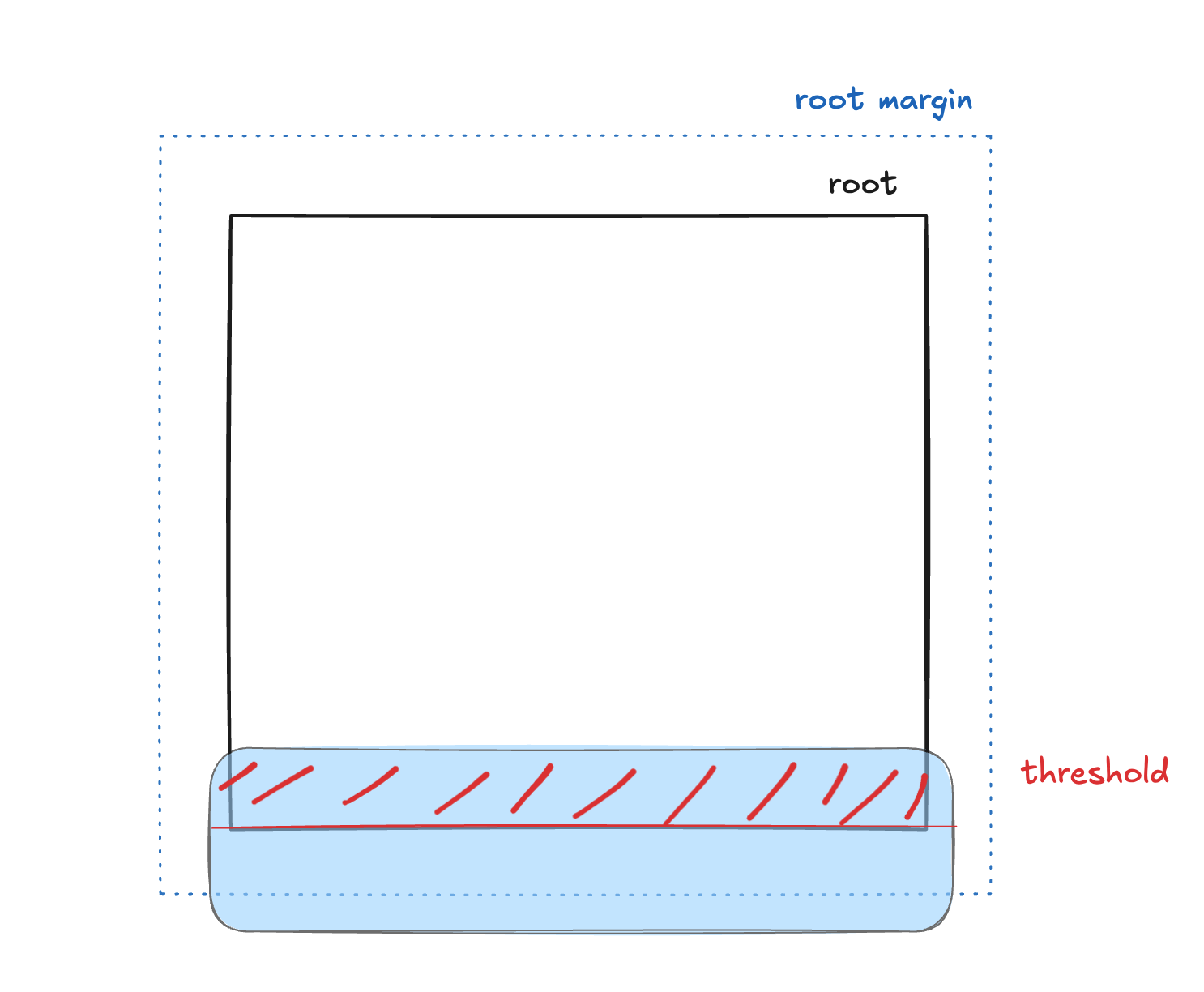
root: 가시성을 확인하기 위한 기준이 되는 뷰포트 요소null일 경우 기본값인 브라우저 뷰포트가 기준이 된다
rootMargin:root의 뷰포트의 여백(10px 20px 30px 40px, 위 오른쪽 아래 왼쪽)threshold: 특정 요소가 몇 퍼센트 보여져야 정의한 콜백 함수를 실행할지를 나타내는 임계값
구현
root와 target 요소 정의
const containerRef = useRef<HTMLDivElement>(null)
const targetRef = useRef<HTMLDivElement>(null)

return (
  <div ref={containerRef} className={styles.container}>
    {datas.map((data) => (
      <Card key={data.id} {...data} />
    ))}

    <div className={styles.target} ref={targetRef}></div>

    {isLoading && <div className={styles.loading}>Loading more items...</div>}
  </div>
)containerRef로 참조한 div 태그를 기준으로 targetRef가 참조하는 요소가 얼마만큼 보여짐(threshold)을 관찰한다.
데이터 패치
const fetchData = async (pageNum: number) => {
  try {
    setIsLoading(true)

    const newData = await getDataAPI(pageNum)

    setDatas((prev) => {
      const mergedData = [...prev, ...newData]

      // 중복 제거 (id 기준)
      const uniqueData = Array.from(new Map(mergedData.map((item) => [item.id, item])).values())

      return uniqueData
    })

    setPage(pageNum + 1)
  } catch (error) {
    console.error("Fetching error:", error)
  } finally {
    setIsLoading(false)
  }
}
Intersection Observer API 등록
useEffect(() => {
  const observer = new IntersectionObserver(
    (entries) => {
      if (entries[0].isIntersecting && !isLoading) {
        fetchData(page)
      }
    },
    {
      root: containerRef.current,
      threshold: 0.5,
    },
  )

  if (targetRef.current) {
    observer.observe(targetRef.current)
  }

  return () => {
    if (targetRef.current) {
      observer.unobserve(targetRef.current)
    }
  }
}, [isLoading, page])threshold를 0.5이므로 targetRef가 참조하는 요소가 containerRef가 참조하는 요소와 교차 지점이 50%가 되었을 때 IntersectionObserver()의 callback 함수가 실행된다.